
Augmented Reality Training for Hands-On Learning
Custom AR training solutions for enterprise businesses that enhance reality with interactive features at your fingertips.
AR Learning That Works Where You Work
We don’t just build cool tech—we create augmented reality training that shows up on the job. With interactive 3D models, step-by-step guides, and live expert support, your team gets what they need, when and where they need it. Our custom AR training solutions turn phones, tablets, and smart glasses into real-time performance tools that boost speed, cut errors, and keep operations moving. No generic off-the-shelf content. No vendor lock-in. Just enterprise augmented reality training built for impact.
47%
$2M
90%
30%
76%
Why Augmented Reality Training?
Augmented Reality (AR) transforms your employees’ real-world environment into an interactive learning experience. From guided workflows to instant expert support, AR training gives your workforce what they need right on the job. Here’s how AR learning can make a real impact:
Guide Learners with Contextual Overlays

Train at Scale, Anywhere

Identify Hazards in Real Time

Gain Actionable Insights

How Much Does AR Training Costs?
| Investment range | Training program | What’s included |
|---|---|---|
| $50k–$100kUSD / project | Your Entry Point |
|
| $100k–$200kUSD / project | Most popularThe Standard |
|
| $200k+USD / project | The Highest Level |
|
Or purchase bulk development hours
View development packages| Development hours | Package price | Effective rate |
|---|---|---|
| 250 hours | $75,000 | $300 / hr |
| 500 hours | $137,500 | $275 / hr |
| 1,000 hours | $250,000 | $250 / hr |
Get Your AR Training Up and Running Fast
Your workforce is ready. Your devices are ready. Why aren’t you? We’ll bring the AR that makes it happen. Let’s design a training solution that scales, sticks, and delivers results you can measure from day one.
How AR Training Works
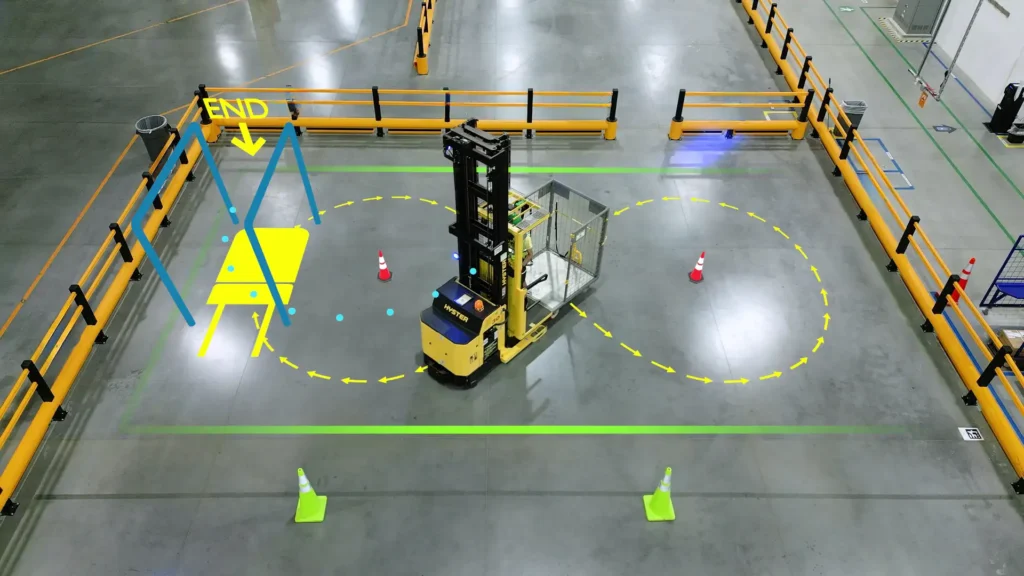
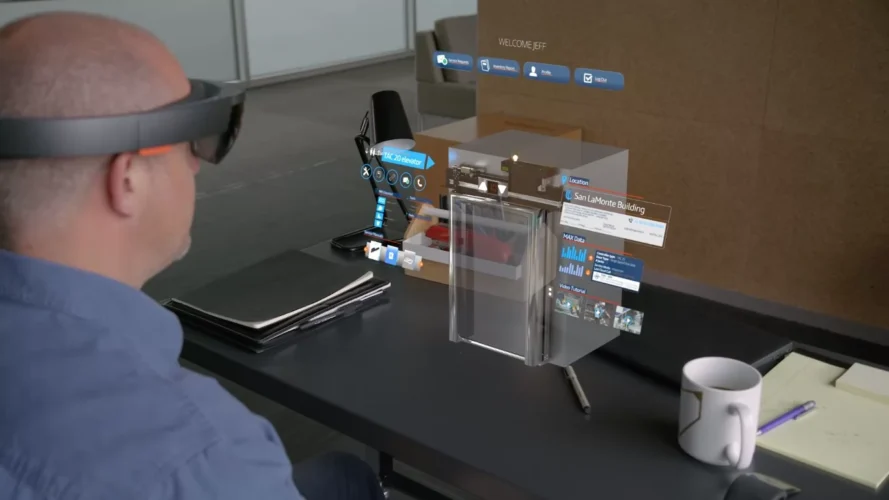
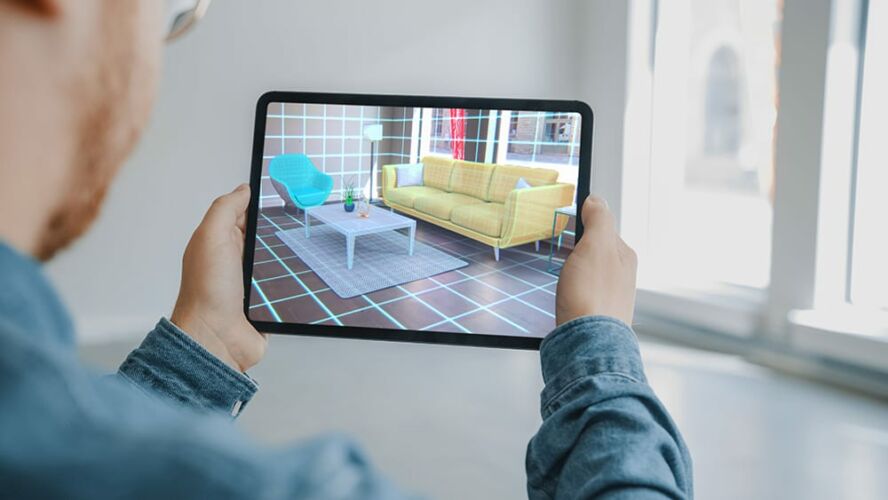
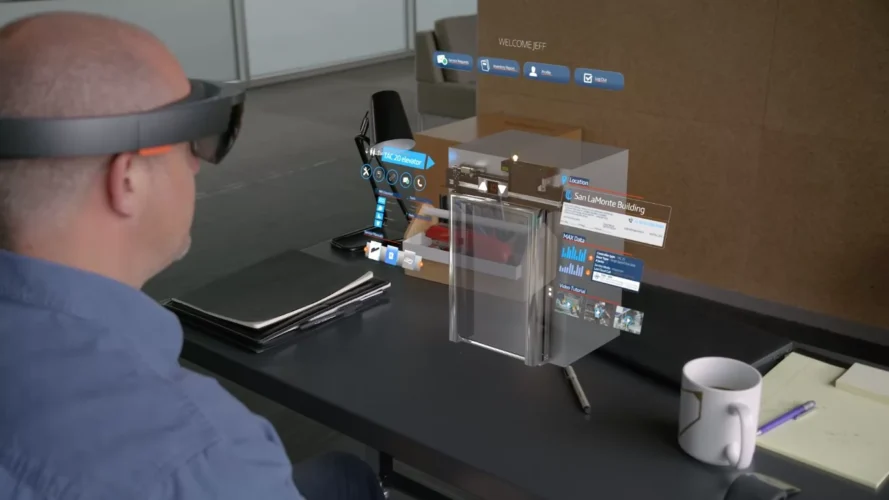
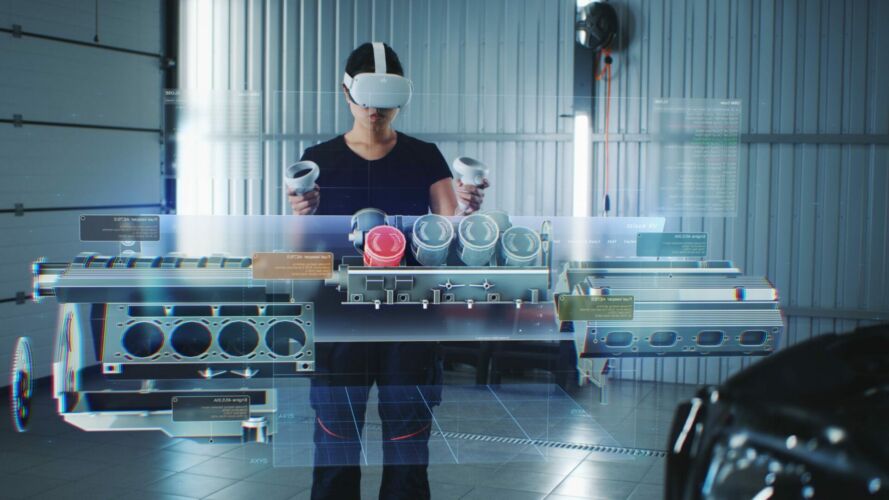
Augmented Reality adds digital content, like 3D models, instructions, or videos, directly into the real world using smartphones, tablets, or smart glasses. Employees point their device at equipment, objects, or workspaces, and instantly receive visual guidance right where the task happens.
Image Recognition

Object Recognition

Plane Detection

Key Benefits of AR Training
AR learning isn’t just effective—it’s efficient, scalable, and built for business impact. From lowering training costs to improving safety and productivity, here’s how augmented reality training moves the needle:
Built to Scale
Cost-Effective by Design
On-the-Job Support
AR puts expert knowledge in front of your team—anytime, anywhere—so they can work confidently without waiting for help.
Learn About Your Team

Where AR Training Makes the Difference

Corporate Operations

Environmental Health & Safety

Manufacturing

Healthcare

Retail

Entertainment

Food & Beverage
Why AR Training with Roundtable Learning?
Custom-Built for Your Workflow

Proven Learning Expertise

Seamless Integration

Scalable Support

Why AR Training with Roundtable Learning?
Custom-Built for Your Workflow
Proven Learning Expertise
Seamless Integration
Scalable Support

FAQs
What is AR Training?
How does AR Training work?
What industries benefit most from AR Training?
Can AR Training be integrated with existing Learning Management Systems (LMS)?
How do I measure the effectiveness of AR Training?
How do I get started with AR Training at my organization?
What devices do you support (phones, tablets, wearables)?
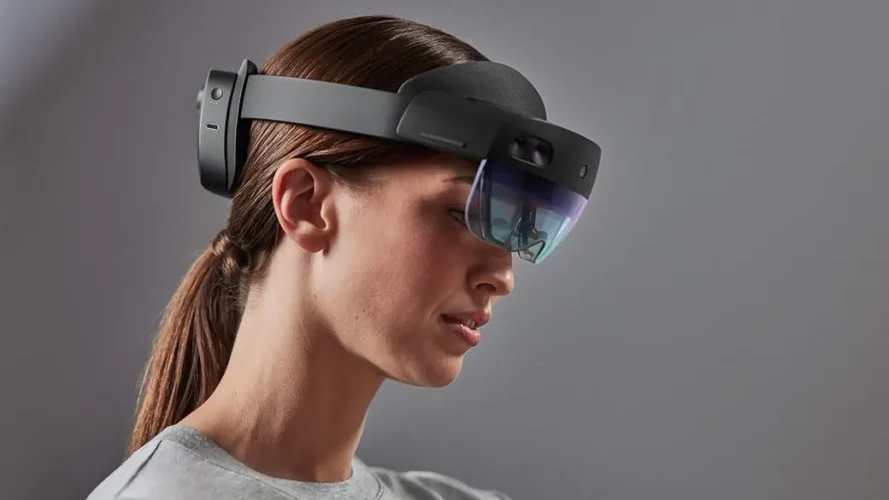
We support tablets and phones (iPads, Android tablets, modern smartphones) as well as enterprise AR glasses when clients want hands-free overlays. Most performance-support pilots start on tablets since they’re fast to deploy and durable on the floor.
Can AR run offline, or does it need constant connectivity?
AR can run offline for on-floor performance support. Content and 3D assets are pushed via MDM and sync automatically whenever a connection is available.
How long does it take to build an AR job aid (like a tablet-based exploded view)?
A small job aid, like a tap-to-learn exploded view, typically takes 2 to 4 weeks. Interactive 3D with animations runs 4 to 8 weeks, depending on asset availability and whether we’re modeling from CAD or photos.
Can AR overlays align with our real equipment (marker vs. markerless)?
Yes, we support both approaches. Marker-based setups (ArUco/QR) work well for repeatable placement, while markerless tracking (SLAM/pass-through) offers a cleaner workflow. The right choice depends on your environment’s stability and the hardware you’re using.
What are the hardware and deployment costs per site or user?
Tablet-based pilot hardware is typically affordable, with iPads running around $500 to $1,000. AR glasses or rugged devices add more, generally $1,000 to $2,000 or more. Content is quoted separately, and pilots often bundle 2 to 5 devices with content. MDM setup and shipping are additional per-site costs.
Can AR integrate with our LMS or asset management system?
Yes. We push xAPI/SCORM statements through a middleware layer (like Mercury) or send xAPI data directly to your LMS or asset management system, and we can map events to platforms like Workday or Cornerstone.
How do you handle versioning and updates to AR assets?
We deliver assets with source files included, and we offer quoted updates per release or a bucket-of-hours retainer for ongoing updates and localization.
Learn More About Augmented Reality
 By Hanna Shevchuk
 By Hanna Shevchuk
 By Hanna Shevchuk