AT A GLANCE:
1:1 Scale Aircraft Cargo Hold Replica | 98%+ Step-Recognition Accuracy | PICO motion trackers | 10 ft Of Floor Space | Safest Year on Record
A global air cargo operator needed new associates to learn safe ULD handling before their first shift in a real cargo hold. Roundtable Learning built custom VR ULD handling training with ankle-worn motion trackers that catch an unsafe step the moment it happens, so the first mistake happens in VR, not on the ramp.
The Challenge: New Hires Learning a Hazardous Job on a Live Ramp
New associates learned ULD handling over about two weeks of classroom time, a procedures manual, and shadowing on a live ramp. Most had never set foot in an aircraft cargo hold.
That meant their first misstep near a moving ULD happened on the job. A foot caught under a multi-hundred-pound unit can mean a crush injury or worse, and incidents like that had already happened at the client’s facilities.
The classroom and the manual could explain the safe walking lane. They couldn’t show whether a new associate actually stayed in it while pushing a heavy ULD next to a partner. A full-scale physical mockup would take up hundreds of square feet of warehouse or hangar space at a single site.
The Stakes:
- New associates were getting injured on the job
- New hires with no previous experience in air cargo or the industry
- Feedback that depended on what a busy trainer happened to see
- No way to practice the physical movement without real risk
- Dozens of facilities to train with limited space and WiFi
The Solution: A 1:1 Cargo Hold Where Every Step Is Tracked
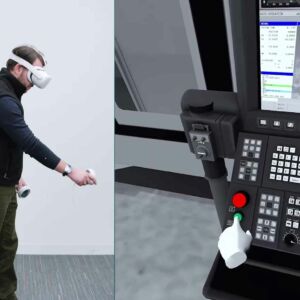
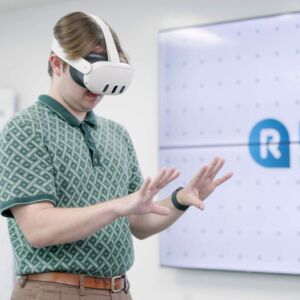
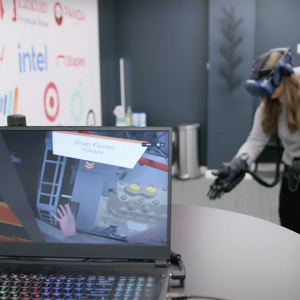
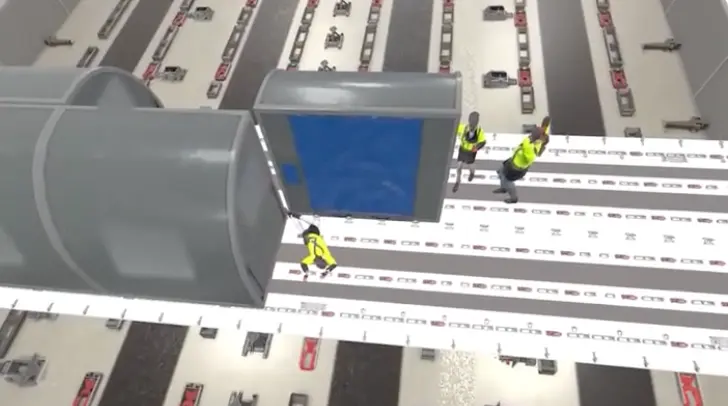
Roundtable Learning built two training modules inside a 1:1 replica of an aircraft’s main-deck cargo hold. Learners already know the basics when they put on the headset, and the VR session is where they practice. Sessions run in classrooms or on the job, with 5 to 10 learners at a time.
How It Works
- See the hazard. A dramatized overhead view shows how ULD foot injuries really happen.
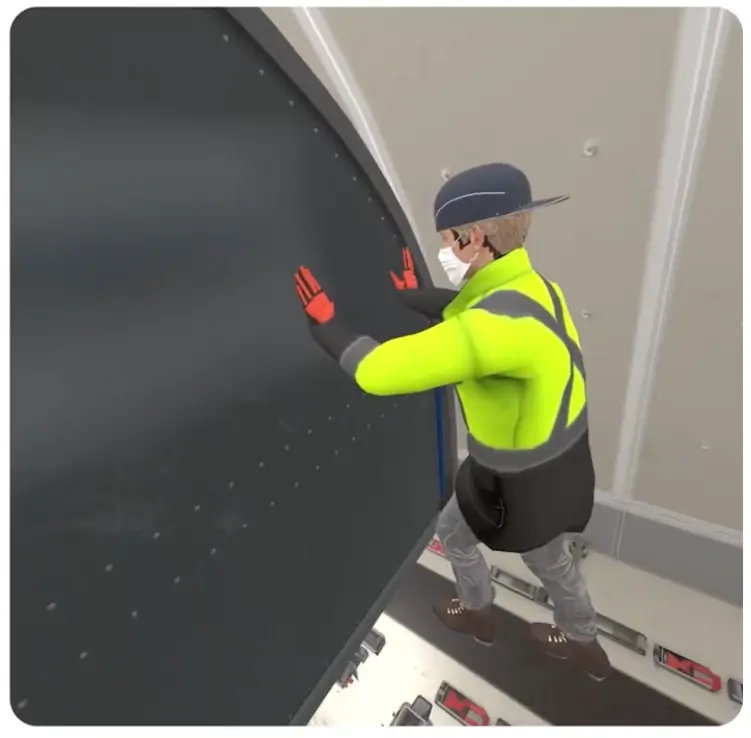
- Move a ULD safely. With a virtual partner, learners slap the ULD, call "Stand Clear!", push and pull at walking speed from the same side, and lock it in place.
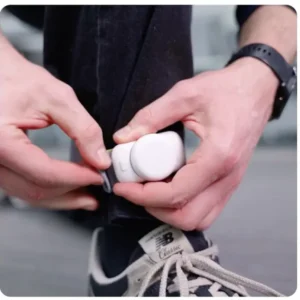
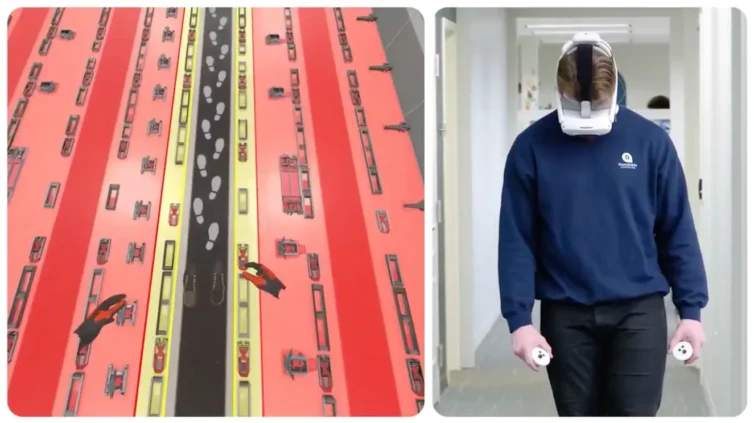
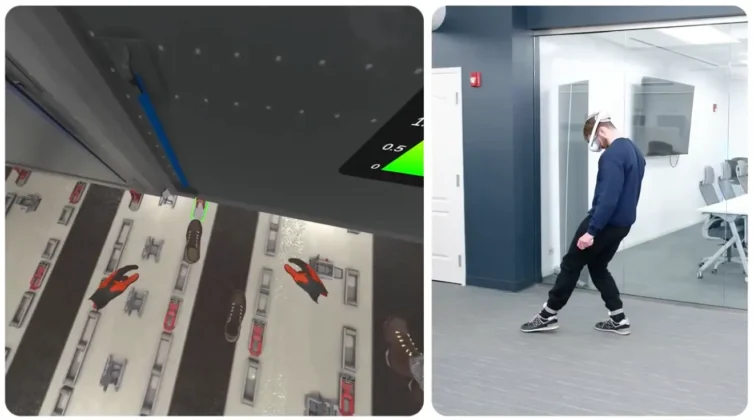
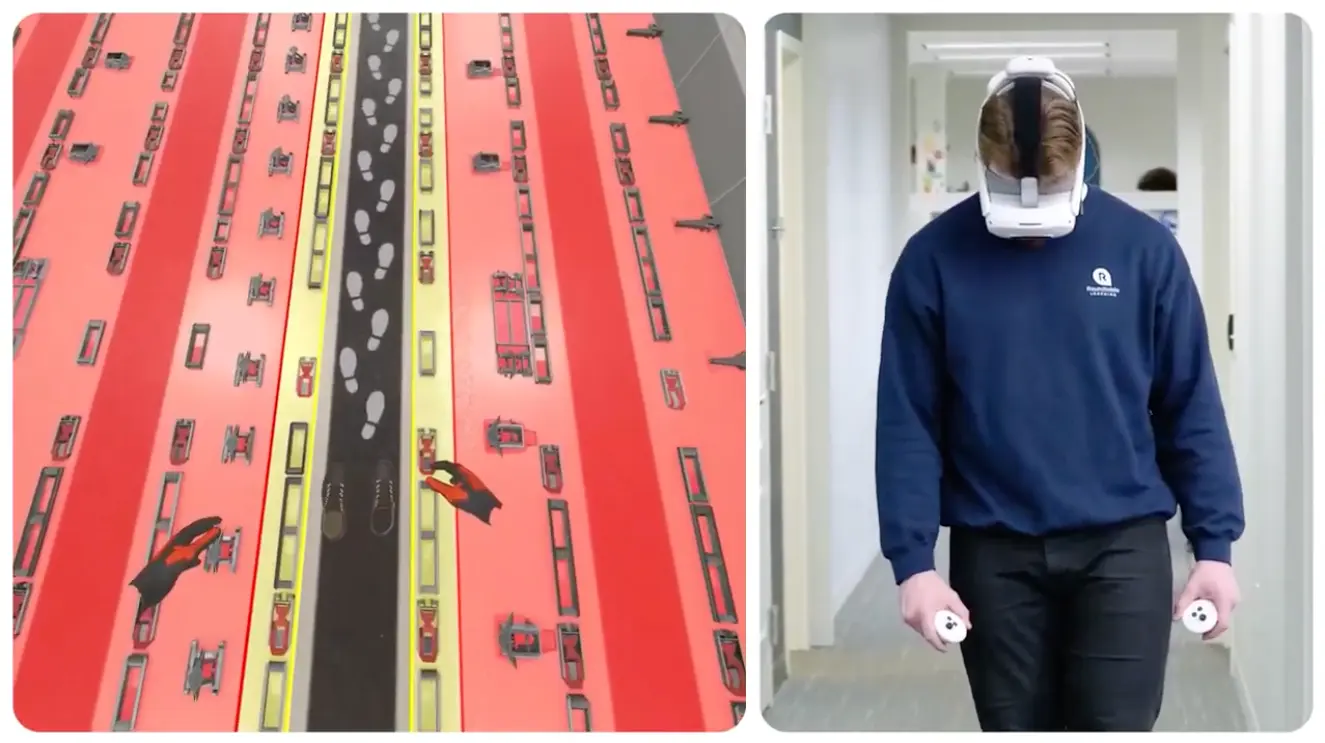
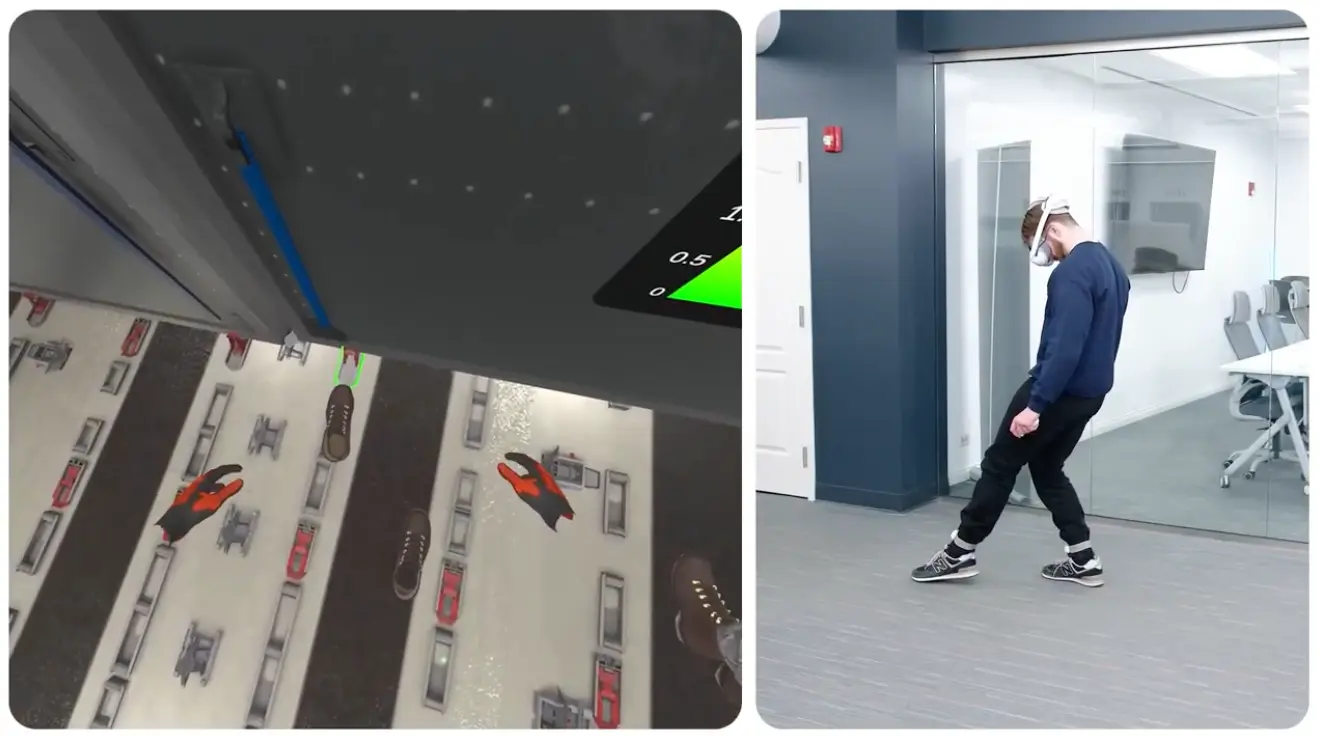
- Stay in the lane. Ankle trackers follow each foot. Step off the griptape and the floor glows red, with a correction in the moment.
- Load and unload. Learners scan, run a six-sided damage check, stack packages using a structured method, and place items label-up. Errors have to be fixed before moving on.
- List ItemGo unguided. The prompts drop away and package order is randomized, so learners have to apply the procedure instead of memorizing it.
Why Ankle Tracking
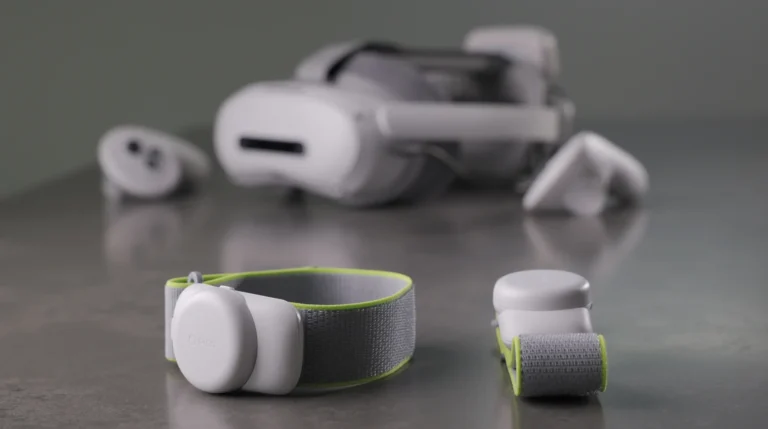
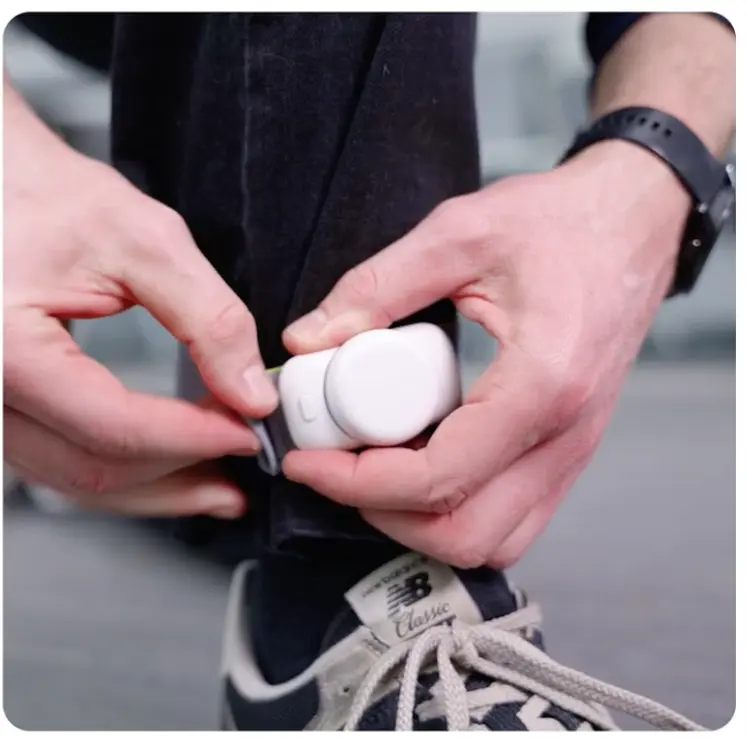
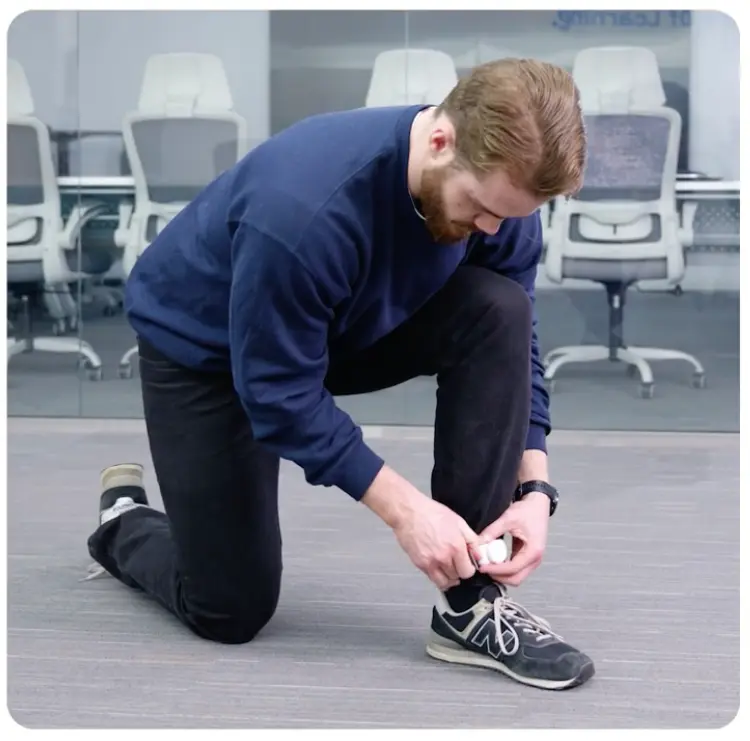
Standard VR only tracks the head and hands. It can’t tell where a learner’s feet are, and foot placement is exactly what causes this injury. PICO Motion Trackers follow each foot at up to 200Hz with about 20ms of latency, so the system knows the instant a foot leaves the safe zone.
Built for the Real Job
A ULD is never moved alone, so learners practice with a partner, giving and receiving the “Stand Clear!” callout.
A guided calibration lines up each tracker with the learner’s virtual foot. A ramp supervisor can run a session without an engineer.
The cargo hold and ULDs are digital replicas of the client’s real equipment, so the same environment shows up the same way at every site.
The Results: Safer Onboarding During the Client's Safest Year on Record
The program became part of the client’s safety training during the safest year in company history. What it added was something the client never had: a way to protect new hires while they’re still learning.
What Changed for the Client
New hires stopped learning the hard way. Before, an associate’s first wrong step near a moving ULD happened on a live ramp. Now that mistake happens in VR, where it costs a restart instead of an injury. By their first shadowing shift, associates have already rehearsed the movement and been corrected.
One safety standard across every site. On a busy ramp, feedback depended on which trainer was there and what they happened to catch. Now every learner is measured against the same safe zone and gets the same correction, wherever they train.
Safety leaders can see behavior, not just completions. Mercury XRS is set up to track foot placement and loading accuracy for every session, so the client can see who is struggling with which part of the procedure before that person ever works around a live load.
Training that scales without taking over the warehouse. A full-scale physical mockup would have taken hundreds of square feet away from live operations, at one site only. A ~$1,000 kit that runs offline in 10 feet of space can ship to any facility in the network, so every new hire gets the same rehearsal.
See how Roundtable Learning builds custom VR safety training that tracks real body movement and corrects it in the moment.

Frequently Asked Questions
What is ULD handling training?
ULD handling training teaches air cargo associates to safely move, lock, load, and unload unit load devices (ULDs), the containers and pallets that carry freight inside an aircraft. It covers PPE, two-person pushing and pulling at walking speed, staying in marked walking lanes, securing ULDs with locks, and stacking packages for stable weight and balance. Effective programs pair the procedure with hands-on practice, because most errors are physical, not knowledge gaps.
Why is moving a ULD inside an aircraft dangerous?
A loaded ULD can weigh several hundred pounds or more and rolls on caster decks that keep it moving once it builds momentum. If an associate steps outside the safe walking lane, a foot can be caught, crushed, or run over in seconds. Most new hires have never worked in an aircraft cargo hold, so they don’t yet recognize where it’s safe to stand.
How does VR track foot placement during safety training?
Standard VR tracks only the headset and hand controllers, so it can’t tell where a learner’s feet are. Adding ankle-worn motion trackers, such as PICO Motion Trackers, gives the system real-time foot position at up to 200Hz with about 20ms of latency and 98%+ step-recognition accuracy. The training compares that position to a virtual safe zone every frame and flags the moment a foot crosses the line.
Can VR safety training run without WiFi or a dedicated training space?
Yes. A self-contained headset with ankle trackers needs no base stations, cables, or internet connection, so the training runs fully offline. It needs about 10 feet of cleared floor space instead of a permanent physical mockup. A kit costs roughly $1,000 and can be shipped from site to site.
What results can VR air cargo safety training deliver?
VR moves a new associate’s first unsafe mistake out of the real cargo hold and into a simulation where it costs only a restart. Every learner is measured against the same safe-zone boundary and corrected in the moment, which live shadowing can’t guarantee. In this case study, the program was part of the safety training portfolio during the client’s safest year on record.
Explore more